
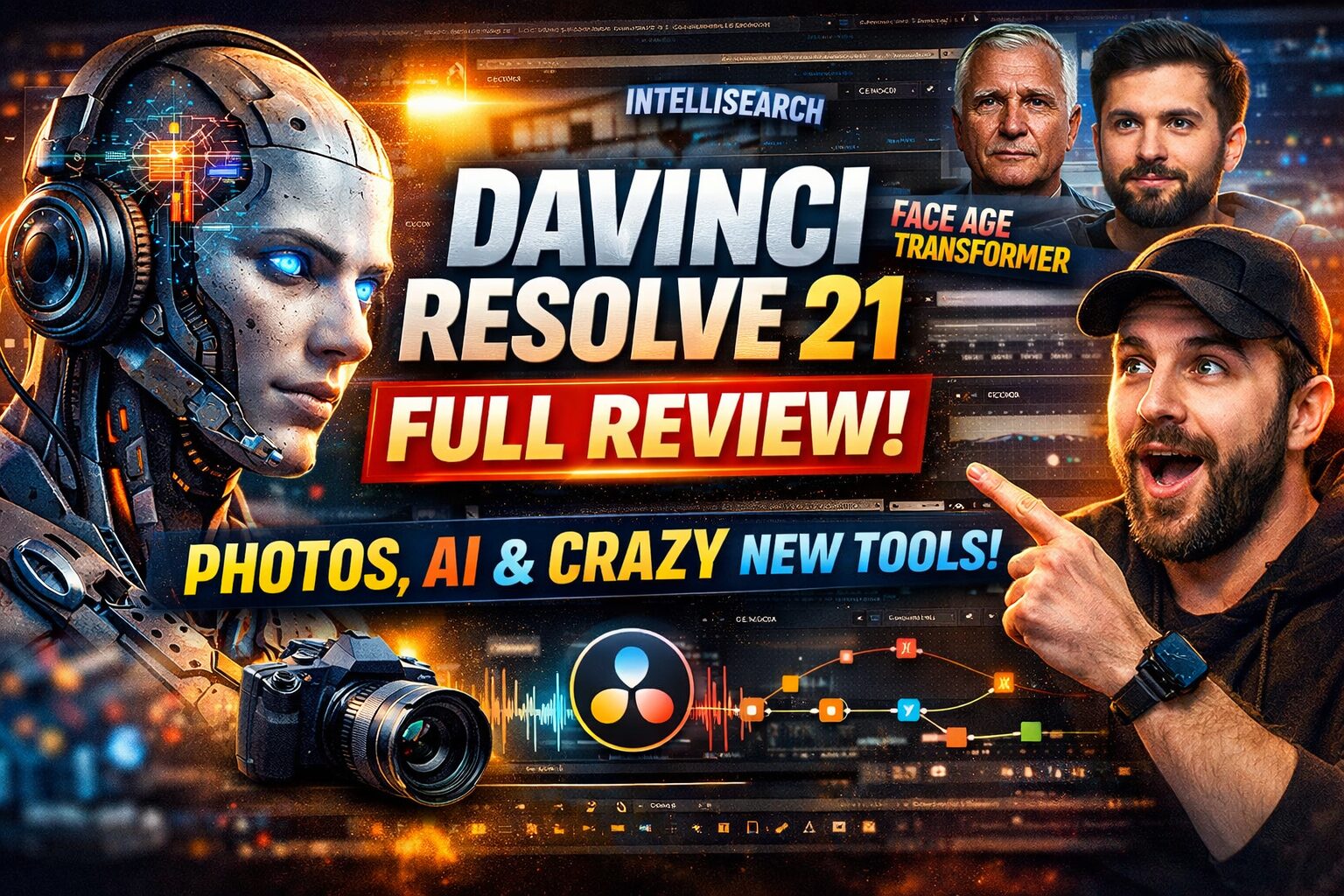
DaVinci Resolve 21: Full breakdown of the update. Photos, neural networks and why it’s absolutely insane
Hey everyone, German here. Today we’re not talking about English — today we’re talking about something way more important for every video maker, editor, and anyone who just wants their videos to look like Hollywood, without costing an arm and a leg. Blackmagic Design dropped DaVinci Resolve 21, and of course I went digging into what they actually added.
Right away: this is not just a patch with a few fixes. This is a massive update that genuinely changes the rules of the game. They added things we didn’t even ask for, but now it feels impossible to imagine working without them. I went through their official site, checked the “What’s New” notes, and now I’m breaking everything down in my own style. No marketing fluff, just the core truth and my honest opinion. Let’s go.
Main bomb: The Photo page. Is DaVinci basically Photoshop now?
Honestly, when I first saw this in the list, I thought: “Oh great, another tab that’s just going to sit there uselessly.” Like, who even needs photos in a video editing program? Then I tried it… and damn, guys, this is actually super useful. They added a full Photo page. It’s not just an image viewer — it’s a full RAW converter and image editor built directly into Resolve.
What’s the deal? You can now use all those insane color tools from the Color page on photos. Can you imagine that? You take a RAW photo, and instead of opening Lightroom or Photoshop, you just drop it into Resolve and work with nodes. Nodes, man!
- Node-based photo workflow: This is a dream for anyone used to Fusion or Color flexibility. You can build complex correction setups, save them, and apply them to entire albums. Batch processing with DaVinci power — top tier.
- Non-destructive editing: Everything we love in video now works for photos too. Adjust exposure, play with curves, then change your mind — just disable a node and the original stays untouched.
- Lightbox and organization: You can browse images in LightBox mode, create albums, sort everything. Like Capture One, but free (well, almost).
- Tethering (direct shooting): Plug your Sony or Canon directly into your computer via USB, press the shutter, and the shot instantly lands in Resolve. For product or portrait shooting — insane. You immediately see the image on a big monitor with your color grade applied.
Honestly, Blackmagic is slowly eating Adobe’s market. They already took a bite out of Premiere and After Effects, and now they’re aiming at Lightroom. And based on this feature set — they’re hitting the target. If you shoot BTS content or run social media for projects, you don’t even need to jump between apps anymore. Everything is in one place. That saves time — and time is money.
Artificial Intelligence: now it’s actually smart, not just marketing
In version 21 they stuffed in so many AI features your head spins. And the key thing — this isn’t just “we added AI noise reduction.” These are genuinely useful tools that used to take hours of manual work or expensive plugins.
AI IntelliSearch: search that actually understands you
Finding the right clip used to be painful. You scroll endlessly through timelines trying to remember where that one shot is where Alex is laughing at the camera. With IntelliSearch you just type: “Alex laughing,” and it finds it. It analyzes visuals, dialogue, and even recognizes faces. It’s basically Spotlight for your video archive. Massive time saver.
AI CineFocus: add depth of field even if you shot it flat
This one is basically magic. Let’s say you shot an interview with a fixed lens or forgot to open your aperture. Everything looks sharp, flat, boring. Before — hello manual masking and Fusion hours. Now — AI CineFocus. It analyzes scene depth and lets you change focus point and depth of field in already finished footage. Want creamy bokeh like f/1.4? Done. Want to shift focus from background to foreground? Easy. It’s not perfect — there can be artifacts — but for travel vlogs or quick fixes it’s a lifesaver.
AI Speech Generator: voiceover without a voice actor
This is honestly a bit scary how good it is. You need a scratch voiceover or narration but don’t have a mic or your voice is gone? You open AI Speech Generator, type your text, pick a voice (male or female), and it generates speech. The crazy part — you can clone a voice using a 10-second sample. So if you have a recording of your host, you can generate lines they never actually said. Ethics aside, for technical editing use — it’s a lifesaver.
AI Face Age Transformer and Face Reshaper: plastic surgery inside your editor
This is next-level “what the hell.” Face Age Transformer can age or de-age people in a shot. Add wrinkles or remove under-eye bags. Face Reshaper lets you change facial features (nose, eyes, mouth) directly on moving footage. Before, this required serious tracking and compositing — now it’s just sliders. Sure, for high-end production you’ll still do it manually, but for YouTube where you just want to fix a pimple or slim a face quickly — it’s insane.
AI Blemish Removal and UltraSharpen
Pretty straightforward. Blemish Removal removes skin defects (acne, spots) while keeping texture instead of turning faces into plastic. UltraSharpen can actually pull detail back even if you missed focus. Not perfect, but sometimes it saves shots you thought were trash.
Fusion: Krokodove integration is a gift for motion designers
Anyone who works in Fusion knows what Krokodove is. It’s a legendary set of 70+ tools for compositing and motion graphics. Before, you had to install it separately and worry about compatibility. Now it’s built directly into Resolve’s core. That’s a massive boost. If you do titles, animation, complex transitions — you just got a free upgrade worth hundreds of dollars. Respect, Blackmagic.
Fairlight and small things that make life easier
Audio also got nice improvements. Now there are track folders in Fairlight. Sounds minor, but when you’re working on a project with 50 audio tracks (dialogue, ambience, music, SFX), being able to organize them is a mental health saver. Less scrolling, more order.
They also improved keyframes and curve handling in Edit and Color pages. It feels smoother and more intuitive. And of course — support for new formats, as always.
VR and immersive video: a step toward the future
Blackmagic is clearly looking at Meta Quest and YouTube VR. In version 21 they expanded immersive format support. Honestly, I’m not shooting VR content right now, but if I ever decide to make a 360 studio tour, Resolve will be ready for it. It’s still a niche, but the tools are there — and that’s cool.
My verdict: should you update or not?
Guys, if you work in DaVinci Resolve, you definitely should update. Even if you don’t need the Photo page or AI face aging, performance improvements, better stability with large projects, and Krokodove integration alone are worth hitting “Download”.
What I personally liked most:
- IntelliSearch. I will never lose a clip in a pile of footage again. Pure happiness.
- CineFocus. Essential for quick interview corrections.
- Fairlight folders. Finally some order in sound design.
What feels rough or niche: Face Age Transformer and speech generation. Interesting tools, but for serious production I’d still stick to classic workflows. Though for personal projects and experiments — why not?
Blackmagic Design once again proved they’re building a product for people. They don’t just fix bugs — they add things that actually push the industry forward. And they’re doing it without subscription models or price hikes (hopefully never). Massive respect for that.
Have you updated yet? What did you try first? Drop your thoughts — I’m curious. If you’ve got questions about installation or features, let me know — we can do a deeper breakdown.
Peace and fast rendering!
